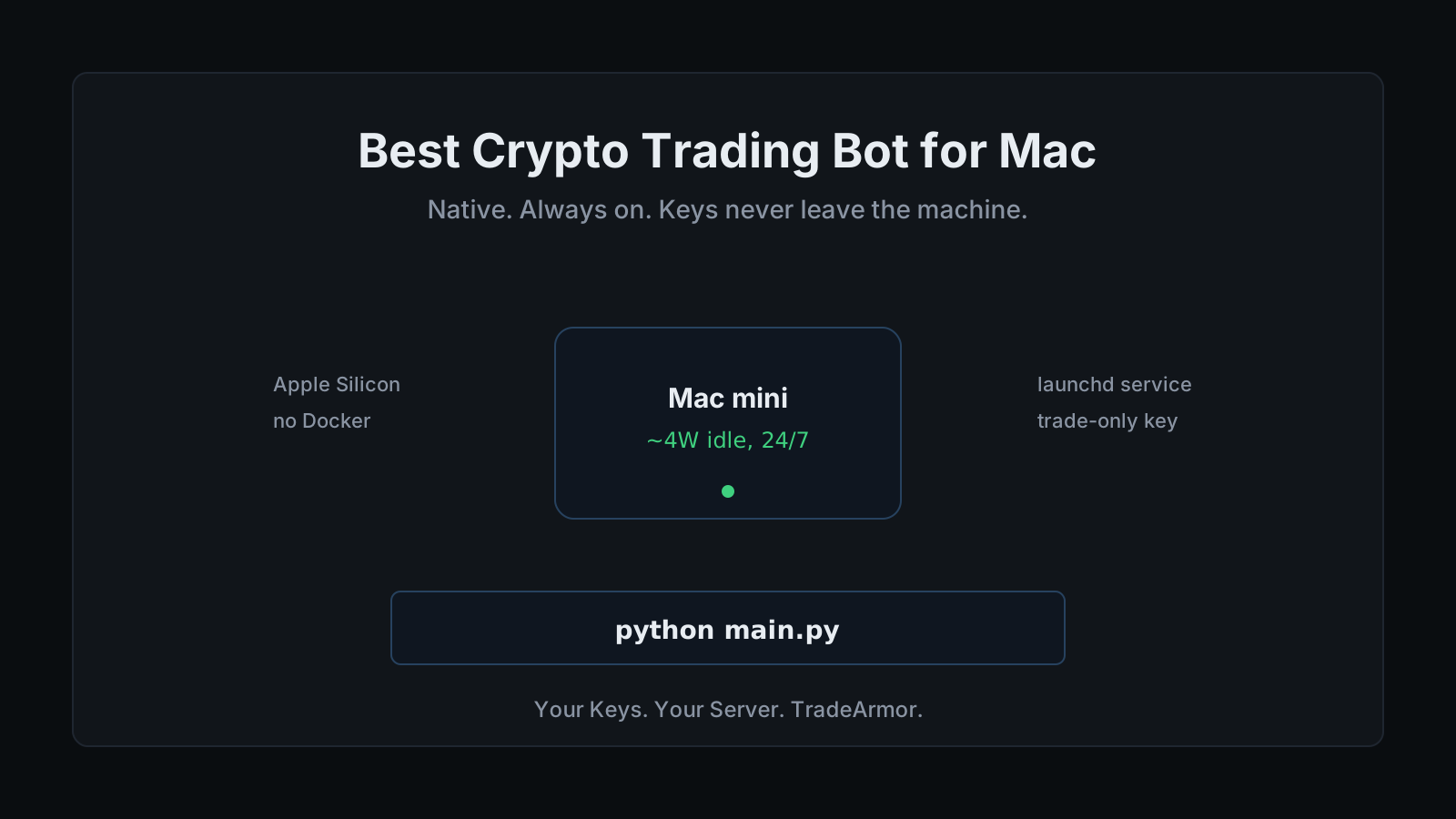
You bought into self-custody for a reason. Your keys, your coins. So when you go looking for the best crypto trading bot for Mac, you run straight into the contradiction the market is built on: nearly every polished option wants you to hand your exchange API keys to a server you do not control. You have a Mac that is on most of the day anyway, you can follow a setup guide, and you would rather run the thing yourself than trust a stranger's cloud with trade permissions on real money. The hard part is figuring out which bot actually respects that and runs cleanly on macOS.
That is the question this guide answers. I build and trade with TradeArmor, a self-hosted crypto trading platform that runs on hardware you own, with built-in BTC/USDC signals carrying a three-year track record, 15 real-time indicators, a plain-English AI strategy builder, and DCA, grid, futures, copy trading, backtesting, paper trading, and tax reporting on one engine. It runs natively on Mac. But the goal here is not to sell you a download in the first paragraph. It is to lay out what makes a bot good on a Mac specifically, walk the real options honestly, and show you how to set one up so it runs around the clock without a terminal window open.
The short version: the best crypto trading bot for Mac is the one that runs as a native process, sips power so it can stay on 24/7, and keeps your keys on the machine. Most of the well-marketed bots fail the third test before you even check the first two.
What Actually Makes a Bot Good on a Mac
A Mac is not a generic Linux server, and a crypto trading bot for Mac should fit the machine rather than fight it. Four things matter.
Native Apple Silicon support comes first. A bot written in Python 3.10 or newer runs directly on an M-series chip with no Rosetta translation and no emulation tax. If a tool needs you to spin up an x86 virtual machine to function, it is going to run hot and waste battery on a laptop and watts on a mini. You want a process that the M-chip treats as a first-class citizen.
Low resource use comes second. A good bot needs about 512 MB of RAM and a sliver of CPU, because most of its life is spent waiting for the next candle to close. That matters because of the third thing.
Always-on capability. Trading does not stop when you close the lid, and crypto markets never close at all. A bot that only runs while you are actively staring at it is an alert system, not automation. The right setup installs as a background service that starts on boot and keeps running when you log out, which on macOS means launchd.
Self-custody last, and most important. The bot needs your exchange API key to place trades. Where that key lives is the whole game. On a self-hosted Mac bot it sits in a local config file with trade permission only, never withdrawal, and it never leaves the machine. That is the difference between a tool you control and a service that controls your access.
Hold those four against the field and the list of real candidates gets short fast.
The Candidates, Honestly
There are roughly three families of crypto trading bot a Mac user will run into. Each solves part of the problem and trips on a different part.
SaaS bots (3Commas, Cryptohopper, Bitsgap). These run in the browser, so technically they "work on Mac" the way any website works on Mac. The polish is real and the onboarding is smooth. The catch is structural: your API keys live on their servers so the bot can trade while your laptop is asleep. That is convenient right up until the vendor gets breached. In 2022 a 3Commas key leak exposed thousands of accounts, and the lesson stuck. You are not really running a bot on your Mac here. You are renting access to one running on someone else's computer, with your keys along for the ride.
Open-source frameworks (Freqtrade, Hummingbot). Powerful, free, genuinely self-hosted, and beloved by people who enjoy the setup as much as the trading. On a Mac, Freqtrade is usually run inside Docker, which means you are installing and learning Docker before your first trade. There are no built-in signals, no real dashboard out of the box, and no support line when something breaks at 2am. Open source is free the way a puppy is free. The license costs nothing and the upkeep costs your evenings.
Self-hosted commercial bots (Gunbot, TradeArmor). This is the family that fits the four tests. Gunbot is a long-running, well-regarded self-hosted bot with a pay-once lifetime license, and it keeps your keys local, which is the part that matters most. Credit where it is due. The difference with TradeArmor is what comes bundled: a built-in signal feed with a multi-year track record so you are not also subscribing to a separate signal service, a managed dashboard and setup wizard so there is no config-file archaeology, and a one-click migration path for traders coming off other bots with open positions intact.
ProfitTrailer belongs in this conversation too, for a specific group of readers. It taught a generation of traders how to run a DCA bot on their own hardware, then it stopped shipping. If your positions are stranded there, the migration path off ProfitTrailer and onto a Mac is one of the cleaner reasons to make this move now.
A bot is more than the strategy it runs. Signals, 15 indicators, the AI builder, DCA, grid, and futures all run on the same self-hosted engine, on your Mac, with your keys local. See how the full platform fits together before you commit to anything.
Why Self-Hosted Wins on a Mac Specifically
The self-hosted argument is strong everywhere, but it gets stronger on a Mac, because the usual objection to self-hosting falls apart.
The standard knock on running your own bot is uptime. A SaaS bot runs in a data center that does not sleep; your machine might. On a random laptop that is a fair worry. On a Mac that stays on, it evaporates. A Mac mini on a shelf, or an old MacBook with the lid-sleep disabled, is a always-on box you already own and already trust with the rest of your digital life. Adding a trading bot to it costs you almost no new risk and no new hardware.
And the privacy posture of the machine matches the privacy posture of the strategy. Your keys stay in a local file. Nothing about your positions, your balance, or your trades is sent to an external analytics pipeline. The audit trail, the signal log, and the trade history all live on disk where you can read them. If you care enough about custody to run a hardware wallet, running the bot that touches your exchange on your own machine is the same instinct applied one layer up. The deeper version of that argument lives in the guide on a crypto trading bot without API key risk, and it is the single most important reason to self-host.
Setting It Up on macOS
Here is the actual flow on a Mac, start to finish. There is no Docker step and no virtual machine.
First, confirm Python. macOS ships with a system Python, but you want 3.10 or newer, which you can install from python.org or with Homebrew. Check it in the terminal:
python3 --version
Second, install and run. Download the ZIP, unpack it, install the dependencies, and start the bot:
pip install -r requirements.txt
python main.py
Third, finish in the browser. Open localhost:8080/setup, connect your exchange with a trade-only API key, and pick a strategy mode. There are no YAML files to hand-edit. The wizard does the configuration.
Fourth, make it permanent. A bot you have to restart by hand every reboot is a bot you will eventually forget to restart. On macOS you install it as a launchd service so it starts on boot and keeps running after you log out. The step-by-step for that, including the exact plist, is in the Mac mini 24/7 setup guide. Once that is in place, the bot runs whether or not anyone is logged in, which is the entire point.
If you would rather use even less hardware than a Mac, the same software runs on a Raspberry Pi on arm64, so a $60 board can do the job a Mac mini does. The Mac is the comfortable default; the Pi is the minimalist option.
Power, Cost, and the Boring Math
The thing nobody mentions about running a bot on a Mac is how little it costs to keep on. An M-series Mac mini idles at roughly four watts. A trading bot, waiting for candles most of the time, barely moves that number.
Run the math. Four watts around the clock is under three kilowatt-hours a month. At average US residential power rates that is somewhere near fifty cents. You will spend more on the coffee you drink while reading the dashboard than on the electricity that runs the bot underneath it.
The real costs are the two honest ones. There is the software subscription, which for TradeArmor starts at $19.99 a month for signals and the DCA engine, $49.99 for the Pro tier that adds the 15 indicators, the AI strategy builder, and copy trading. And there are your exchange trading fees, which you would pay trading by hand anyway. Compare that to the SaaS stack most traders end up with: a chart subscription, plus a signal service, plus a separate bot fee. Collapsing three bills into one is a large part of why self-hosting pencils out, before you even count the custody benefit.
Watching It From Your Phone
Self-hosted does not mean chained to the desk. Because the dashboard runs on your Mac at localhost:8080, any device on the same network can reach it at the Mac's local IP. Install the dashboard as a mobile web app on your phone and you get the same real-time view of positions, P&L, and signals that you see on the desktop, fed over the same live connection.
The distinction that matters: you are viewing your own machine over your own network, not logging into a cloud account that holds your keys. The convenience of a phone app, without the part where your keys live in someone else's app. If you want access from outside the house, a secure tunnel back to the Mac handles it without opening a port to the world, which is a better answer than most SaaS apps can give you, since they had your keys the whole time.
How to Choose the Best Crypto Trading Bot for Mac
Strip it down. If you want zero setup and do not mind your keys on a server, a SaaS bot is the path, and you already know the trade-off you are making. If you love the tooling and want to build from parts, Freqtrade on Docker rewards the effort. If you want self-custody with a lifetime license and are comfortable wiring up your own signals, Gunbot is a solid, honest choice.
If you want self-custody plus a managed experience, built-in signals so you are not stacking subscriptions, a real dashboard instead of config files, and a migration path for existing positions, that is the lane TradeArmor was built for, and the Mac is one of its best homes.
The best crypto trading bot for Mac is the one that runs as a native process on hardware you own, costs pennies a month to keep on, and never lets your keys off the machine. TradeArmor does all three, with built-in signals, 15 indicators, an AI strategy builder, DCA, grid, futures, copy trading, backtesting, and tax exports on one self-hosted engine, replacing the stack of a chart tool, a signal service, and a SaaS bot with a single subscription. See the plans and get started.