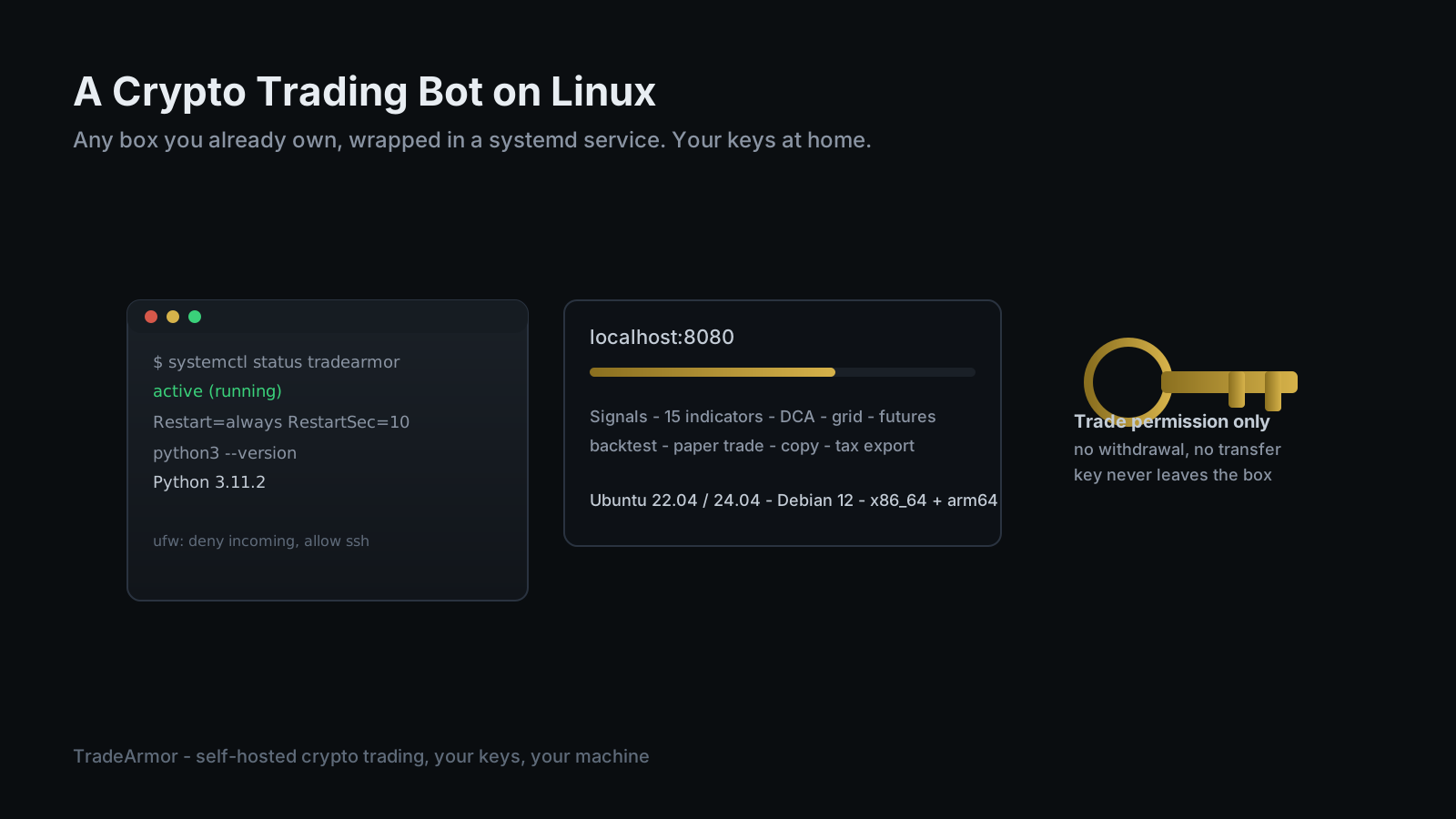
Every guide to running a crypto trading bot on Linux assumes you are buying something first. A Raspberry Pi if you want cheap. A Mac mini if you want quiet. A cloud VPS with its own monthly bill if you want it reachable from anywhere. Meanwhile a lot of people already have a Linux box sitting there, doing nothing dramatic: an old ThinkPad turned into a home server, a NAS that has spare CPU cycles, a desktop nobody bothered unplugging after the last upgrade. If Linux is already installed and the machine is already on, the only thing actually missing is the bot.
This guide uses hardware you already have, running TradeArmor, a self-hosted crypto trading platform that turns an exchange account into a fully automated operation. It ships built-in BTC/USDC spot signals with a multi-year track record, 15 real-time technical indicators, a plain-English AI strategy builder, and DCA, grid, futures, copy trading, backtesting, paper trading, and tax exports, all running on your own hardware where your API keys never leave the machine. On Linux specifically, it is also the platform's most native environment: no emulation layer, no App Store sandbox to fight, just a Python process the operating system already knows how to run forever.
Why a Crypto Trading Bot on Linux Beats Buying New Hardware
A trading bot does not need much. It holds a connection to your exchange, waits on a signal or a price trigger, runs some arithmetic, and occasionally places an order. That is a light, bursty workload, not a reason to buy anything. If a Linux machine in your house is already powered on for other reasons, a Pi-hole, a media server, a NAS, the bot is one more quiet process sharing hardware that has already paid for itself.
The part that actually matters is uptime, and this is where Linux earns its reputation rather than just claiming it. A server distro has no lid to close, no "would you like to restart now" dialog interrupting a trade, and a service manager built specifically for keeping processes alive across reboots and crashes. If you want the full argument for why the machine matters as much as the strategy, the best self-hosted crypto trading bot guide covers it, and the self-hosted vs SaaS breakdown lays out exactly what you are trading away by handing a vendor your keys instead.
Picking Your Linux Box
Almost anything from the last decade works. An old laptop with the lid left open (or the "lid close does nothing" power setting flipped) makes a fine bot host. A cheap mini PC pulls a few watts and disappears into a drawer. A spare desktop tower already running Ubuntu or Debian for something else can take on one more service without noticing. None of this needs a GPU, a RAID array, or a rack.
A rented VPS is a legitimate option too, mainly if you want the bot reachable without depending on your home internet staying up, or if you are already comfortable managing a cloud box for other projects. The install steps below are identical either way. Renting compute for a workload this light is a convenience decision, not a requirement, and it is its own topic worth a dedicated look later. What matters here is that the box, wherever it lives, stays on.
Check Your Python Before You Install Anything
TradeArmor's floor is Python 3.10. Most current Linux distributions already clear it. Ubuntu 22.04 LTS ships Python 3.10, Ubuntu 24.04 LTS ships Python 3.12, and Debian 12 (Bookworm) ships Python 3.11. Confirm it before you unzip anything:
python3 --version
If that prints 3.10 or higher, move on. The trap shows up on older installs. Ubuntu 20.04 still ships Python 3.8, which will not run the bot, and the fix is not to fight the system interpreter. Add the deadsnakes PPA, or use pyenv, and keep the system Python exactly as the distro expects it to be:
sudo apt update
sudo apt install -y python3-venv python3-pip
python3 -m venv ~/tradearmor-env
source ~/tradearmor-env/bin/activate
The virtual environment keeps the bot's dependencies in their own sandbox instead of colliding with whatever else the box runs.
Installing and Running TradeArmor
TradeArmor ships as a ZIP file, not a package you compile or a Docker image you have to trust blindly. With the virtual environment active:
cd ~
unzip tradearmor-*.zip -d tradearmor
cd tradearmor
pip install -r requirements.txt
python main.py
That last command starts the bot and its dashboard on port 8080. From a browser on the same network, open http://<your-box-ip>:8080/setup and the wizard walks you through connecting an exchange and choosing a strategy mode. Six exchanges are supported out of the box, so it makes no difference whether you trade on Binance US, Bybit, Coinbase, or elsewhere.
When the wizard asks for your API key, give it trade permission only, never withdrawal. That single setting is the entire self-custody argument compressed into one checkbox, and the guide to running a bot without API key risk covers exactly why a withdrawal-capable key is the one mistake that turns a bot into a liability.
The Two Linux Traps: the Auto-Reboot and the Open Port
Two default configurations quietly undo everything above if nobody flags them first.
The first is automatic updates. Ubuntu's unattended-upgrades installs security patches on its own, which is good practice, but if Unattended-Upgrade::Automatic-Reboot is set to true, on your box or on a provider's default image, the machine can restart itself whenever a patch demands it, and Automatic-Reboot-WithUsers defaults to true as well, so it will not wait politely for you to be logged out first. Check /etc/apt/apt.conf.d/50unattended-upgrades and decide deliberately, rather than discovering the setting the morning your bot has been offline for six hours. Ubuntu will happily patch itself at three in the morning and never once ask whether your bot was mid-trade.
The second is the open port. By default the dashboard listens on 8080, and if that port is reachable from the open internet, you have built a login page for anyone scanning IP ranges. Leave it bound to localhost or your LAN, and reach it remotely over a VPN or an SSH tunnel instead. A firewall that denies everything except SSH by default is the right posture:
sudo apt install -y ufw
sudo ufw default deny incoming
sudo ufw allow ssh
sudo ufw enable
If you already run other services behind a VPN tunnel at home, the same approach applies here, and the guide to running a bot behind a VPN with Docker covers the container version of this same idea in more depth.
Keep It Running with systemd
Starting the bot with python main.py in an SSH session works until you close the session, the box reboots, or the process exits once at an inconvenient hour. Then it is simply off, and the fix is systemd, the service manager already running the rest of the machine. Create /etc/systemd/system/tradearmor.service:
[Unit]
Description=TradeArmor trading bot
After=network-online.target
Wants=network-online.target

[Service]
User=tradearmor
WorkingDirectory=/home/tradearmor/tradearmor
ExecStart=/home/tradearmor/tradearmor-env/bin/python main.py
Restart=always
RestartSec=10

[Install]
WantedBy=multi-user.target
Then enable and start it:
sudo systemctl daemon-reload
sudo systemctl enable tradearmor.service
sudo systemctl start tradearmor.service
Now the bot starts at boot, comes back after a reboot, whether the auto-update variety or one you triggered yourself, and restarts on its own if it ever crashes. After=network-online.target matters more than it looks: it stops the bot from launching before the network is actually up, which is the single most common reason a freshly booted Linux service fails on its first try. Check it any time with systemctl status tradearmor or watch it live with journalctl -u tradearmor -f. A SaaS bot's status page tells you it is "operational." Yours tells you exactly what it is doing, which is a difference worth having.
What You Actually Run Once the Bot Is Up
With the service enabled, the Linux part of the job is finished and the trading part is the whole story from here. The same instance runs the built-in signals, all 15 indicators, gated DCA, grid, and futures, and every mode can run in paper trading first so you watch the logic play out before capital is at risk. Backtest a strategy against historical data, then let it run live on the exact same box. When tax season lands, the export turns a year of fills into a file your accountant can use directly instead of exchange CSVs stitched together by hand.
If the same setup ever needs to move onto dedicated low-power hardware, the identical platform runs on a Mac mini, a Raspberry Pi, or a Windows PC with nearly the same steps. See what runs on top of all of it at TradeArmor's feature list.
Running a crypto trading bot on Linux comes down to three honest steps: confirm the Python version before you install anything, wrap the bot in a systemd service instead of a terminal window, and lock the two default settings, auto-reboot and the open port, down on purpose instead of by accident. Do that, and a Linux box you already own, however unglamorous it looks, becomes a self-hosted trading operation that runs your rules around the clock, with your keys staying exactly where you put them. See the plans and get started at TradeArmor pricing.
Frequently Asked Questions
Can you run a crypto trading bot on Linux?
Yes, and it is the platform TradeArmor was built on first. TradeArmor runs on Linux x86_64 and arm64, needs Python 3.10 or newer, about 512 megabytes of RAM, and roughly 100 megabytes of disk. You unzip the download, install its requirements, and start it with one command. The browser-based setup wizard then handles connecting your exchange and picking a strategy mode. No Docker is required, though it works there too if you already run containers.
What Linux distro and Python version do I need?
Anything current works. Ubuntu 22.04 LTS ships Python 3.10, Ubuntu 24.04 LTS ships Python 3.12, and Debian 12 (Bookworm) ships Python 3.11. All three clear the 3.10 minimum without you compiling anything. The trap is an older install: Ubuntu 20.04 still ships Python 3.8, which is too old, and installing the current interpreter alongside it means adding the deadsnakes PPA or using pyenv rather than fighting the system Python.
How do I keep a Linux trading bot running after I close the terminal?
Run it as a systemd service, not inside an SSH session or a screen window. Write a unit file that starts the bot at boot, runs it under a dedicated user, and restarts it automatically if it ever exits. Enable it with systemctl enable, start it with systemctl start, and check on it any time with systemctl status or journalctl. Once it is a service, closing your terminal, rebooting the box, or a one-off crash all become non-events instead of outages.
Is it safe to expose the bot's dashboard to the internet on a Linux server?
Do not open the dashboard port to the public internet. Leave it bound to localhost or your local network, and reach it remotely over a VPN or an SSH tunnel back to the box instead. A firewall like ufw that denies everything except SSH by default is the right posture for any Linux machine running a bot, whether it sits under your desk or in a data center.
Do I need to rent a VPS, or can I use hardware I already own?
You do not need to rent anything. Any Linux box that is already on, an old laptop repurposed as a home server, a mini PC, a spare desktop, works fine, since a trading bot is a light, mostly idle workload. A VPS is a reasonable option if you want the box reachable without depending on your home internet connection, but the software and the setup steps are identical either way. The hardware choice is about uptime and control, not raw power.
Ed Cava builds TradeArmor and trades with it. He ran ProfitTrailer for years before building the self-hosted platform he wanted, and most of his own instances still run on plain Linux boxes, not exotic hardware.